Seasonal
A Christmas social media plan for pubs and restaurants: your six-week countdown
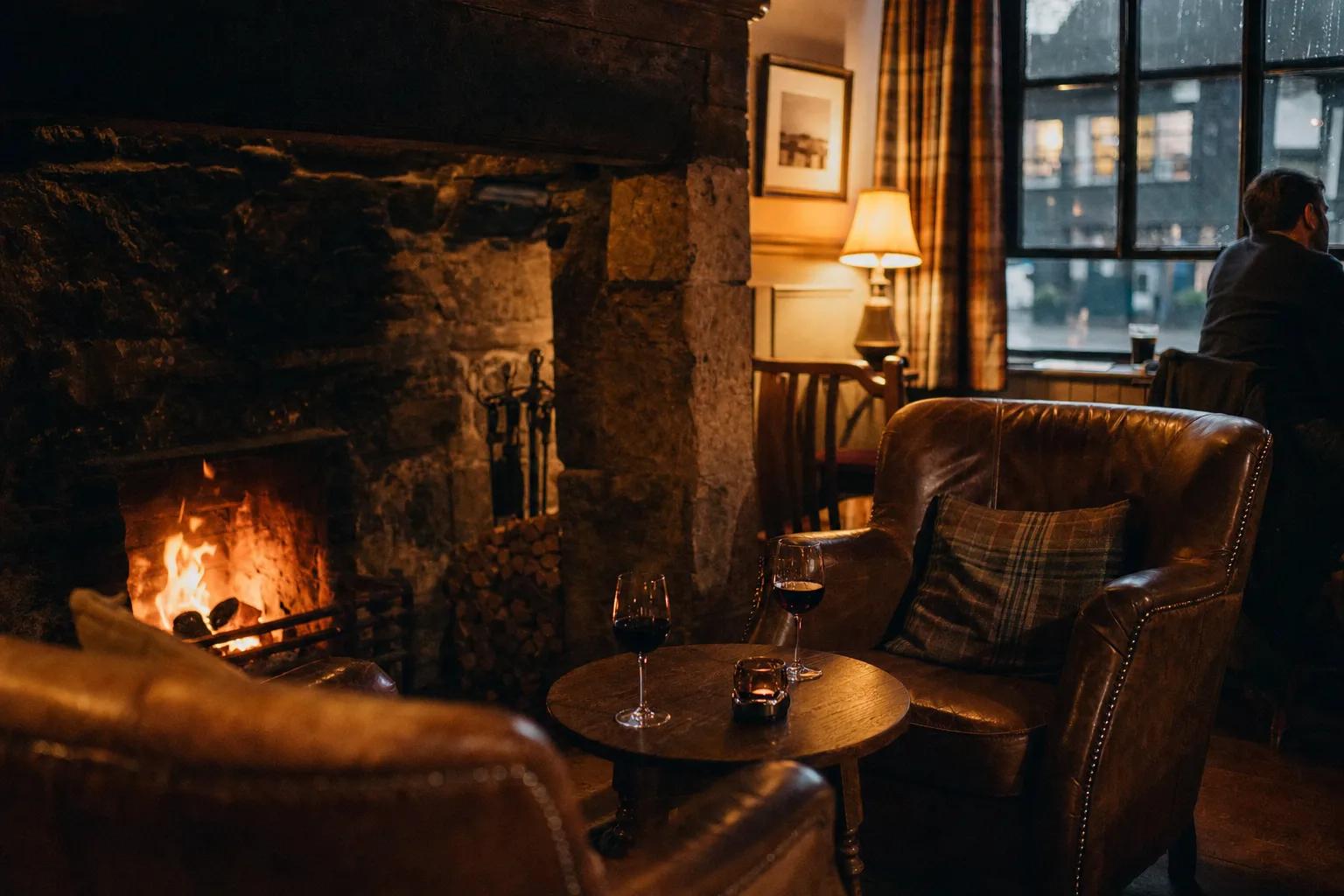
In short
- Christmas is booked in stages: parties in November, family plans in early December, and the days between Christmas and New Year on the morning itself.
- Give each of the next six weeks one job - bookings, the room and menu, hours, the last tables, the final week, Christmas week - and post for that job.
- Set your holiday hours on Google first, then say the same hours everywhere else, and keep posting through the quiet days.
In this guide
Christmas is decided in stages. Office parties are booked in November, family get-togethers are pencilled in by early December, and the "shall we go to the pub?" between Christmas and New Year is settled on the day, on a phone, often in a few minutes. A Christmas social media plan for pubs and restaurants works best when it follows that rhythm: bookings first, then the room and the menu, then your opening hours, then the quiet days.
This is a six-week countdown, starting on Monday 16 November and running into New Year's Day. Each week has one job, a few posts that do it, and an example from The Anchor, a fictional riverside pub we use to show how a week can look. Take what fits your venue and leave the rest.
Before you start: settle three things this week
Your dates and hours. Write down every day from Christmas Eve to 4 January and whether you're open, closed or on different hours. This year Christmas Day falls on a Friday and Boxing Day on a Saturday, so the Boxing Day bank holiday moves to Monday 28 December. New Year's Day is a Friday, and in Scotland the 2 January bank holiday moves to Monday 4 January 2027. The full list is on gov.uk's bank holidays page.
What you most want booked. Parties, a set menu, Christmas Day lunch, New Year's Eve, gift vouchers. Put them in order. The first one gets the most posts.
Your festive photos. A Christmas post needs a Christmas photo, and last year's feels like last year. You'll want the room dressed, a table laid for a group, the fire or the lights, and two or three plates from the festive menu. If you're missing any, take them the day the decorations go up, in daylight and again at dusk.
Your Christmas social media plan, week by week
| Week | Dates | The job | What to post |
|---|---|---|---|
| 1 | 16 - 22 Nov | Open party bookings | What's on offer, group sizes, how to book |
| 2 | 23 - 29 Nov | Show the room and the menu | The menu, the room dressed, decorations going up |
| 3 | 30 Nov - 6 Dec | Hours, everywhere | Holiday hours, the first party weekend |
| 4 | 7 - 13 Dec | Fill the last group tables | The dates that are left, a midweek reason to come |
| 5 | 14 - 20 Dec | The last full week | Daytime visits, the last Friday, Christmas details again |
| 6 | 21 - 27 Dec | Christmas week | Walk-ins, Christmas Eve, Christmas Day, Boxing Day |
Week one (16 - 22 November): open the party bookings
The people organising a work do or a family get-together are comparing venues now. Make it easy for them. One clear post says what you offer (a set menu, a private room, a corner of the bar), the group sizes you can take, the dates that work, and exactly how to book: one link, one phone number. Pin it to the top of your Instagram profile and your Facebook Page so it's the first thing anyone sees.
The Anchor, Instagram: Christmas at The Anchor. Tables for six to twenty, a set menu by the fire, and the snug for groups who'd like a room of their own. December Fridays and Saturdays are going first. Book through the link in our bio, or give us a ring.
Follow it with a Story or two: the snug, the long table, someone at the bar who can answer questions.
Week two (23 - 29 November): show the room and the menu
Now show people what they're booking. Post the festive menu with your best photo of one dish from it, then post the room once it's dressed. Decorations going up makes a good Story: it's a moment, it's real, and it tells regulars the season has started.
This is also the week to put Christmas on Google. A post on your Google Business Profile shows up where people look you up on Search and Maps, and an event or offer post carries its own dates.
Week three (30 November - 6 December): your hours, everywhere
December starts on Tuesday. Before you post anything about opening hours, set them on Google: your Business Profile lets you add special hours for holidays without changing your usual week. Then post the same hours, in the same words, on Instagram and Facebook. One clear list beats three slightly different ones.
The Anchor, Facebook: Our Christmas and New Year hours. Christmas Eve 12 till 9. Christmas Day closed - the team are home with their families. Boxing Day 12 till 10. Monday 28 December 12 till 10. New Year's Eve open till late, New Year's Day 12 till 6. Anything else is our usual hours. Merry Christmas from all of us.
Pin it next to the party post. Friday 4 December is the first full party weekend of the month, so on the night, a Story of the room filling up says more than any post. Ask before anyone recognisable ends up in it.
Week four (7 - 13 December): fill the last group tables
By now you know which dates are full. Say so, honestly: "Friday 18th is full, Thursday 17th has room for a group of twelve." Specific dates help someone make a decision tonight. Never invent scarcity, though. People notice, and they remember.
Give the people who aren't in a party a reason to come too: carols, a quiz with a festive round, the fire, a winter walk that ends at your door. If your team are taking part in Christmas Jumper Day, Save the Children's day is Thursday 10 December this year, and a photo of the team in their jumpers is warm and easy.
Week five (14 - 20 December): the last full week
Most schools break up around now, though dates vary by council - you can check your local term dates on gov.uk. Families with time on their hands come in the daytime, so post lunch, hot drinks after a walk and room for buggies. Friday 18 December is the last Friday before Christmas. If it's a big night for you, post on Wednesday or Thursday with your plans and the hours, and keep Friday itself for Stories.
Before the week ends, post the Christmas Eve, Christmas Day and Boxing Day details again. People who saw them in week three have forgotten.
Week six (21 - 27 December): Christmas week
Early in the week, tell people where they can still come without booking: "Walk-ins welcome at the bar all week." On Christmas Eve, a short morning post with what time you close. On Christmas Day, if you're open, a warm post in the morning for the people already on their way. If you're closed, schedule a thank-you post for Christmas Eve evening and leave Christmas Day alone.
Boxing Day and the bank holiday on Monday 28 December are made for walks, family and long lunches. Watch the forecast: a bright cold morning sends people outdoors, a wet one sends them looking for a fire.
The quiet days between Christmas and New Year
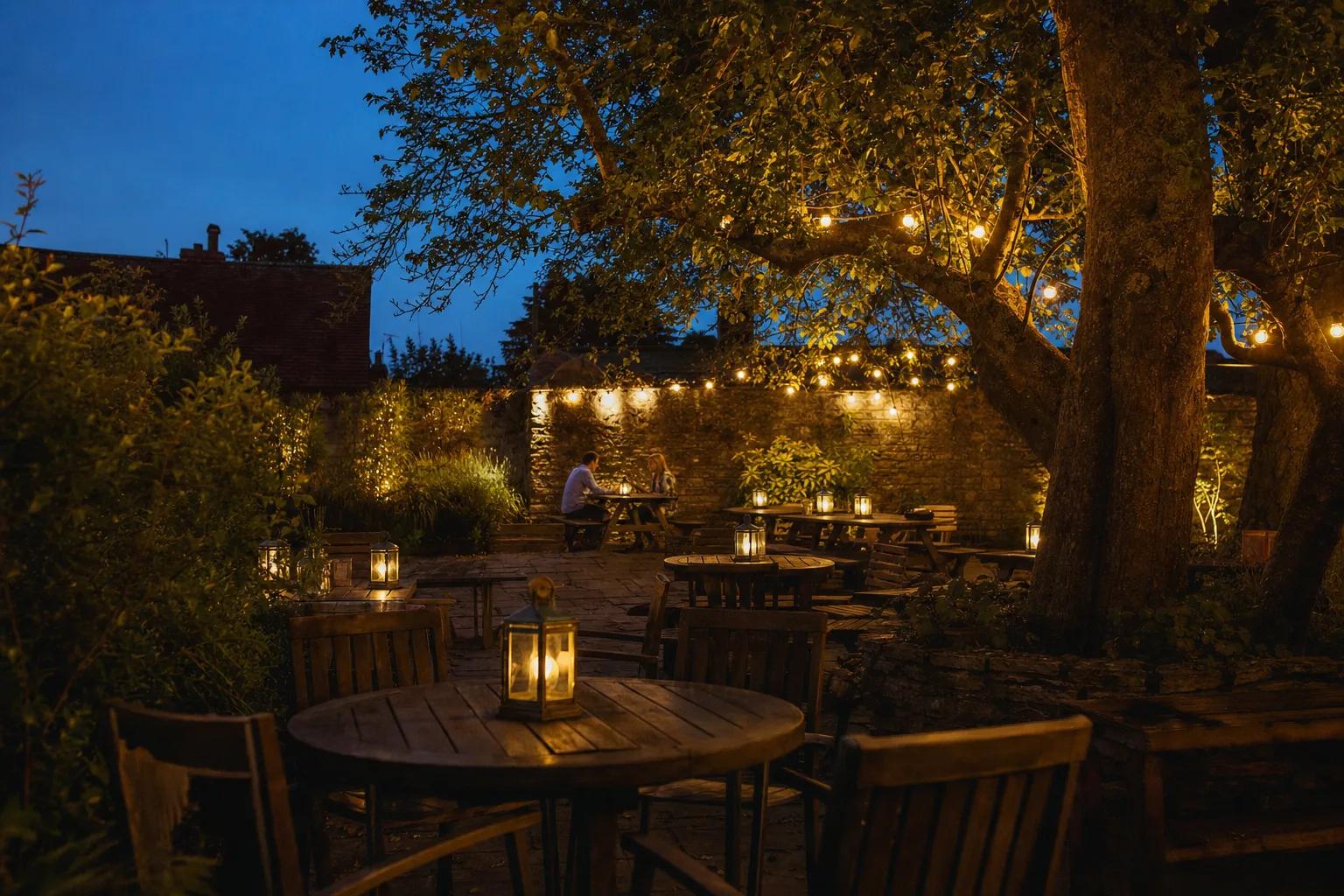
The days from 29 to 31 December work differently. People are off work, plans are loose, and decisions get made on the morning, about today. Posts planned a week ahead help less than a short one on the day: "Open from 12, the fire's lit, food till 5." Post late morning, when people are deciding what to do with the afternoon.
New Year's Eve is a Thursday. Say whether it's tickets or walk-in, what time food stops and what time you close. New Year's Day is a Friday, and it rewards an honest, gentle post: a long lunch, a walk, a quiet table by the window.
Then keep going. January needs a reason to come out more than December ever did.
Five things that go wrong in December
- Hours that don't match. Google says one thing, Instagram another, the door a third. Set Google first and copy it everywhere.
- One party post in October, then nothing. Bookings come in waves. Post for each wave.
- "Book now" without saying how. Give the link and the number, every time.
- Every post a hard sell. Mix the offers with the room, the team and the regulars. People book places they like the look of.
- Going silent on Christmas Eve until mid-January. The quiet days are full of people deciding on the day.
A checklist for this week
- Agree your hours for every day from 24 December to 4 January.
- Set special hours on your Google Business Profile.
- Write the party post and pin it.
- List the photos you're missing and when you'll take them.
- Put Christmas Jumper Day, the last Friday and New Year's Eve in your diary.
- Plan one post a week that isn't selling anything.
How Clef helps
Clef plans each week's Instagram and Facebook posts around your deals, events, what's on locally, the weather and your opening hours, which it reads from your Google profile. It writes a separate caption for Instagram and for Facebook in your own voice, and picks the photo from your own library. If a festive shot is missing, it asks for it with a shot list a photographer can work from. Your events and offers go on Google too, written fresh for each location.
Every post says why that day, that time and that theme, and nothing goes out without your yes. You can see how a week is planned, look at pricing, or ask us anything.